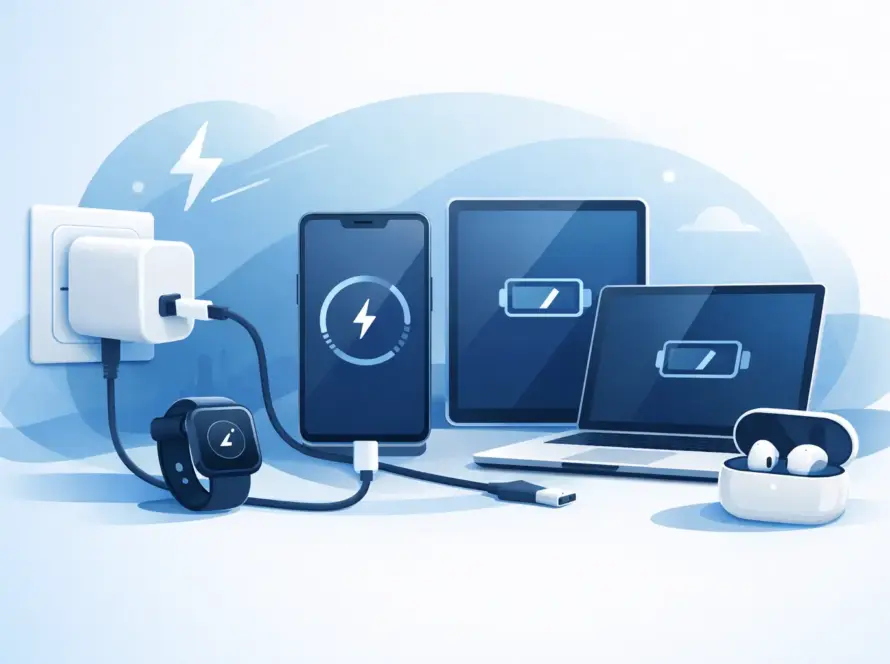
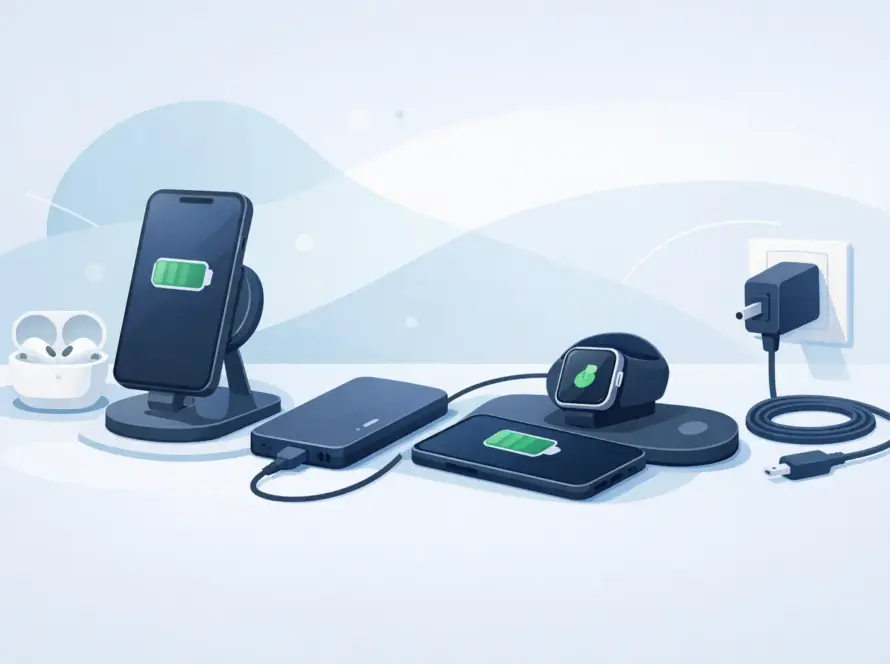
Your phone reaches 5% just before the train pulls in, you have a work call in an hour, and the charging cable at the nearest café is already taken. A power bank is a small purchase that can prevent a very inconvenient day. This guide to choosing power banks cuts through the specs so you can buy the right backup power for your phone, tablet or other everyday devices.
The best choice is not always the biggest battery. Capacity, charging speed, ports, size and safety all matter. Start with how you actually use your devices, then choose a model that solves that problem without adding unnecessary weight or cost.
Start with the capacity you genuinely need
Power bank capacity is measured in milliamp hours, written as mAh. The higher the number, the more energy the power bank stores. That does not mean every mAh transfers directly to your phone. Some energy is lost during charging, so the usable capacity will be lower than the figure on the box.
For most people, a 10,000mAh power bank is the practical everyday choice. It is usually compact enough for a bag or coat pocket and can give a modern smartphone roughly one to two full charges, depending on the phone’s battery size and condition. It suits commuting, long days at university, festivals and days out with the family.
A 20,000mAh model gives more headroom. It is a better fit if you travel regularly, use your phone heavily for work, share power with someone else, or need to top up a tablet. The trade-off is simple: it will be heavier, larger and usually take longer to recharge once empty.
Smaller power banks around 5,000mAh are useful as an emergency top-up. They can fit easily in a pocket and take the edge off a low battery, but they may not fully charge larger phones. They are best for short journeys rather than all-day backup.
Before buying, think about the device you need to charge most often. A compact phone needs less capacity than a large handset, while tablets and laptops need considerably more. If you only need enough power to get home, buying the largest available model is rarely good value.
Check charging speed, not just battery size
A large power bank can still be frustrating if it charges at a slow rate. Look at its output power, measured in watts (W), as well as the ports it offers. Higher wattage generally means faster charging, provided your device and cable also support it.
For standard phone charging, 10W or 12W can be enough for an overnight charge or a relaxed top-up. For busy days, look for fast charging support. A 20W USB-C output is a strong all-round option for many newer smartphones, including compatible iPhones and Android devices. It can make a meaningful difference when you only have 20 minutes between meetings, lectures or appointments.
If you want to charge a tablet or compatible laptop, check the wattage carefully. Many laptops need USB-C Power Delivery, often shortened to PD, and may require 30W, 45W or more. A power bank designed for phones may keep a laptop battery from dropping quickly, but it might not charge it effectively while you are using it.
The cable matters too. A worn cable or a low-spec cable can limit charging speed, even with a good power bank. USB-C to USB-C cables are often the best choice for modern fast charging, but always check what connection your device uses. If your phone still uses Lightning or Micro-USB, make sure you have the correct cable or adapter ready.
Fast charging needs compatible equipment
Fast charging is a three-part system: the power bank, the cable and the device. If one part does not support the same charging standard, your phone will charge at the safest speed it can manage. That is not a fault – it is how the devices protect their batteries.
Look for terms such as USB-C PD, Power Delivery, Quick Charge or fast charge. The wording can vary by manufacturer, so use wattage and port type as the clearer comparison points. For a straightforward phone setup, a 10,000mAh bank with a USB-C PD port is often the sweet spot.
Choose the right ports for your devices
Think about what you carry now, not what you owned five years ago. USB-C is becoming the standard for phones, tablets, headphones and many laptops, so a power bank with USB-C input and output is the most flexible option for most buyers.
A USB-A port can still be useful for older cables and accessories. Multiple output ports are helpful if you need to charge two devices at once, such as a phone and wireless earbuds. Just remember that the total power may be shared between the ports. Two devices charging together can be slower than charging one device on its own.
When comparing models, check these details on the product information:
- whether the USB-C port can both charge the power bank and charge your device
- the maximum output wattage from each port
- whether fast charging works when two devices are connected
- which cable, if any, is included in the box
Built-in cables can be handy because there is less to forget. However, a separate cable is easier to replace if it gets damaged. It depends on whether you value a tidier all-in-one design or longer-term flexibility.
Size and weight affect whether you will carry it
The best power bank is the one you actually have with you. A slim 10,000mAh model is usually easier to use every day than a high-capacity unit left in a drawer because it feels too bulky.
For commuters, students and office workers, look for a model that slips into a small bag without taking up the space needed for keys, headphones and a charger. For holidays, weekend trips and long travel days, a larger 20,000mAh option may be worth the extra weight. It can support more than one device and reduce the hunt for wall sockets at airports or stations.
Wireless power banks are convenient for compatible phones, particularly when you want to avoid loose cables. They are usually less efficient than wired charging and can create more heat, so they are best for convenience rather than the fastest possible charge. Magnetic models can be especially useful while walking around, but check that your phone or case supports the magnetic connection securely.
Safety and quality are worth paying attention to
A power bank stores a substantial amount of energy in a small case. That is why very cheap, unbranded products with vague specifications are a false economy. Choose a reputable retailer and look for clear capacity, output and safety information.
Good power banks include protection against overheating, overcharging, short circuits and excessive current. The casing should feel solid, with ports that do not move or feel loose. If a power bank becomes unusually hot, swells, smells strange or stops charging reliably, stop using it. Do not keep using a damaged battery pack just because it still appears to work.
For air travel, power banks must normally stay in your hand luggage rather than checked baggage. Airlines commonly set a limit of 100Wh without special approval. Most everyday 10,000mAh and 20,000mAh models fall within this limit, but it is sensible to check the watt-hour rating printed on the unit and confirm your airline’s current rules before travelling.
A practical guide to choosing power banks by routine
Your routine should make the decision easier. If you commute and use maps, contactless tickets, music and messaging all day, choose a slim 10,000mAh USB-C fast-charging model. It offers useful backup without weighing down your bag.
If you work from cafés, travel between appointments or spend long days on calls, a 20,000mAh power bank with 20W or higher USB-C PD output gives more confidence. It can handle repeated phone charges and may help with a tablet when no plug socket is free.
For families, shared charging is often more useful than the highest single-device charging speed. Choose two outputs, enough capacity for several top-ups, and a design that is easy to identify in a busy bag. For laptop users, start with your laptop’s charging requirement, then buy a PD power bank with enough wattage to meet it.
At InstaTech, the useful choice is the one that fits your device, your daily routine and your budget. Check your charging port, choose the capacity you will carry, and keep a reliable cable with it. When the battery warning appears at the worst possible moment, you will be ready instead of searching for a socket.