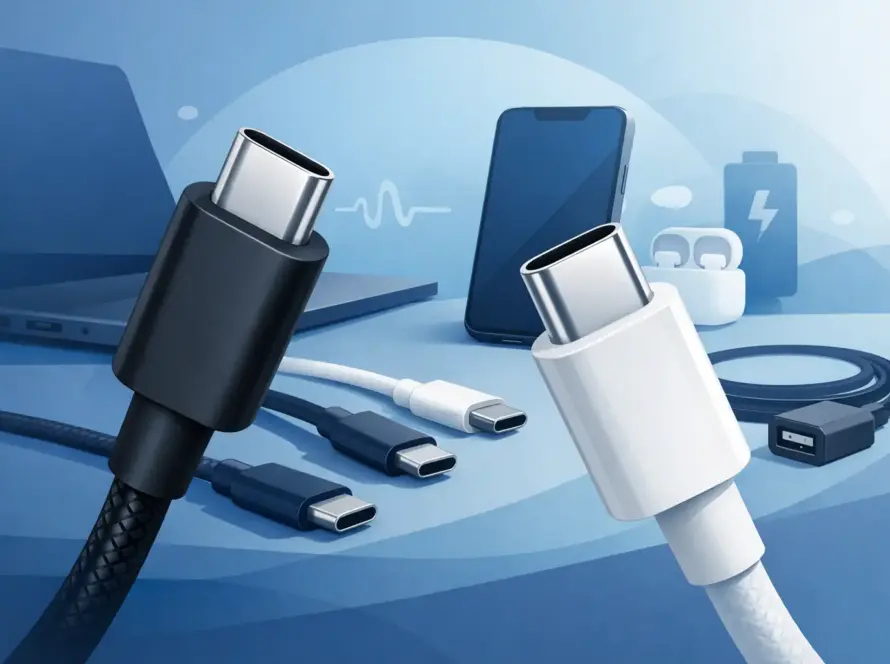
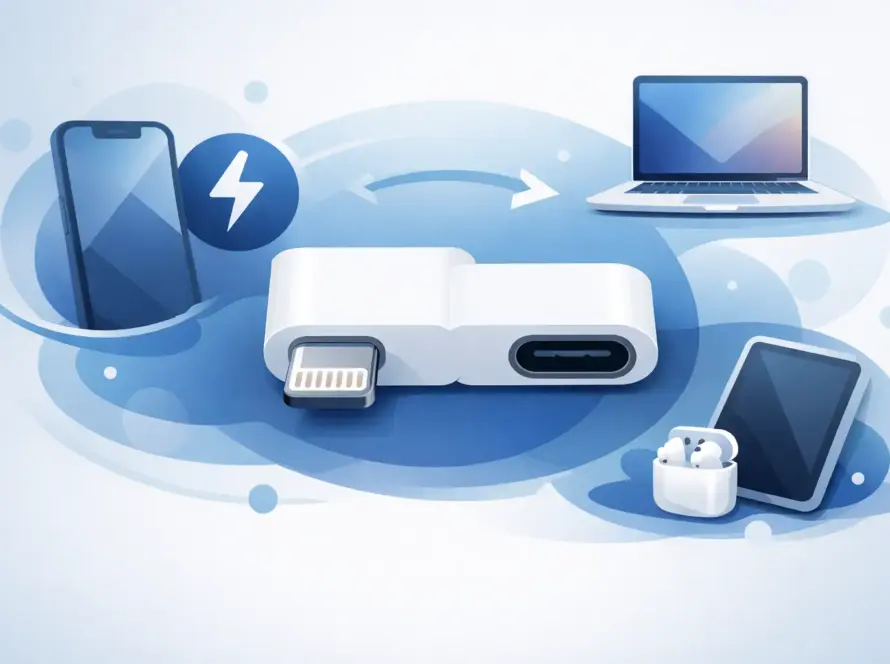
A flat phone battery at the station, a laptop warning before a meeting, or one plug fighting for space with the kettle: this is where a decent charger earns its place. This usb c fast charger review cuts through the wattage claims and small print, so you can choose power that suits the devices you actually use.
The right USB-C charger should be quick, safe and easy to carry. It should also work without making you decode a long list of technical terms. The key is not buying the highest number on the box. It is buying enough power, the right ports and a cable that can handle the job.
USB C fast charger review: what matters most
Fast charging is a system, not a feature found in the plug alone. Your phone, tablet or laptop decides how much power it can accept. The charger must offer a compatible charging standard, and the cable must be rated for the amount of power being delivered.
USB Power Delivery, often shown as USB PD, is the main standard to look for. It is widely used by newer Android phones, iPhones with a USB-C connection, iPads, tablets, handheld consoles and many laptops. A USB-C PD charger can negotiate the right level of power with a compatible device rather than forcing one fixed output.
Some Android manufacturers use their own fast-charging names as well. A phone may still charge well from a quality PD charger, but it may not always reach the brand’s quoted top speed unless the charger supports its preferred standard. This is not usually a problem for everyday use. It only matters if shaving a few more minutes from a charge is your priority.
The most useful review question is simple: what are you charging most often? A charger for a phone in a rucksack is different from one that needs to power a work laptop and a tablet from the same wall socket.
20W to 30W: the everyday phone choice
For most modern phones, a 20W or 25W USB-C charger is a sensible starting point. It offers a noticeable improvement over older low-power plugs and is compact enough for commuting, weekends away or keeping in a desk drawer.
Going up to 30W can be useful if you also charge a small tablet, use a larger phone, or want a little more flexibility for future devices. It will not necessarily make a phone charge faster than its own limit, but it gives you room to use the same charger elsewhere.
A lower-watt charger is often cheaper and smaller. That is a fair trade-off when it is only ever for one phone overnight. For busy mornings, though, 20W or above is usually the better buy.
45W to 65W: one charger for more jobs
A 45W charger is a practical step up for tablets, larger phones and selected lightweight laptops. At 65W, a single USB-C charger can handle many everyday laptops, making it a useful replacement for carrying separate phone and laptop plugs.
Check your laptop’s original charger label before buying. If it says 45W or 65W, choose the same wattage or higher from a reputable charger. A lower-rated charger may still work, but it can charge slowly, especially while the laptop is in use. It may also struggle to keep up during video calls, editing work or multiple open apps.
A 65W charger is not automatically the best option for every person. It costs more and can be larger than a phone-only charger. But for students, hybrid workers and travellers, fewer plugs in the bag can make the extra cost worthwhile.
100W and above: check the full setup
High-watt USB-C chargers are designed for demanding laptops, larger multi-port setups and power-hungry devices. They can be excellent, but a 100W label does not guarantee that every port provides 100W at the same time.
On a multi-port charger, the total output is shared. For example, a 100W charger may supply close to full power when one laptop is connected, then divide that power when you add a phone and tablet. Look at the port-by-port output information rather than relying only on the headline number.
The cable matters more at this level too. Not every USB-C cable supports 100W. A cable intended mainly for charging a phone may limit delivery, run warmer than it should, or simply fail to give your laptop enough power. For high-watt charging, use a clearly rated USB-C to USB-C cable from a trusted seller.
The port layout can matter more than wattage
Before choosing a charger, count the devices that need charging at once. A single-port plug is usually the smallest, simplest and most reliable choice for one device. A dual-port charger is better for a phone and earbuds, or a phone and tablet beside the bed.
For a household desk, a three- or four-port charger can reduce cable clutter. The trade-off is shared output. If you need your laptop to charge at full speed every afternoon, use the highest-power USB-C port for it and check what remains for the other ports.
USB-A ports are still useful for older cables and accessories, but USB-C is the better option for newer devices. It supports higher power and is becoming the standard connection across phones, tablets and laptops. If you are replacing an old charger, choosing more USB-C ports helps keep the setup useful for longer.
Charger size, heat and travel practicality
Small chargers are easier to live with. Newer GaN chargers use a different component material that allows high power in a smaller body. This can be a good choice for a 45W or 65W travel charger, where the difference in bag space is noticeable.
Compact does not mean weightless, and very small high-power plugs can still become warm. Some warmth during fast charging is normal. A charger that is too hot to touch, smells unusual, makes crackling sounds or repeatedly disconnects should be unplugged and replaced.
For travel, make sure the charger supports the voltage used at your destination. Most quality USB-C chargers are made for a wide input range, but checking the label takes seconds. You may still need a plug adaptor, but your charger can remain the same.
Safety is where cheap chargers can cost more
A low price is tempting when you only need a spare charger. The problem is that poor-quality plugs can have weak internal components, inconsistent power delivery and limited protection against overheating or power surges. That is not a worthwhile risk for a phone, tablet or laptop you rely on every day.
Choose a charger with clear specifications, including output wattage and supported standards. The plug should feel properly assembled, with no loose pins, rattling parts or unreadable labelling. Buy from a retailer that can provide support if there is a fault, rather than a seller that disappears after checkout.
Avoid using damaged cables. Bent connectors, exposed wiring and a cable that only works at a certain angle are signs that it needs replacing. Charging problems are often blamed on the plug when the cable is the real cause.
A quick way to choose the right charger
If you mainly charge one recent phone, choose a quality USB-C PD charger around 20W to 30W with a suitable cable. If you charge a phone and tablet together, consider a dual-port model with enough total output to avoid slowing both devices down.
If your charger needs to cover a laptop as well, start at 45W and look at 65W for greater flexibility. Match the charger to your laptop’s stated requirement, then check how power is split across ports. For larger laptops or a desk setup with several devices, 100W can be the right answer, provided the cable and port ratings match.
InstaTech stocks practical charging accessories for the jobs that cannot wait, from everyday USB-C cables to replacement chargers for phones, tablets and laptops. The best choice is the one that removes friction from your routine: enough power for your busiest day, dependable safety and no unnecessary bulk in your bag.
A charger is easy to ignore until it lets you down. Choose one that fits your devices now, leave a spare where you need it most, and your next low-battery warning becomes far less of a problem.