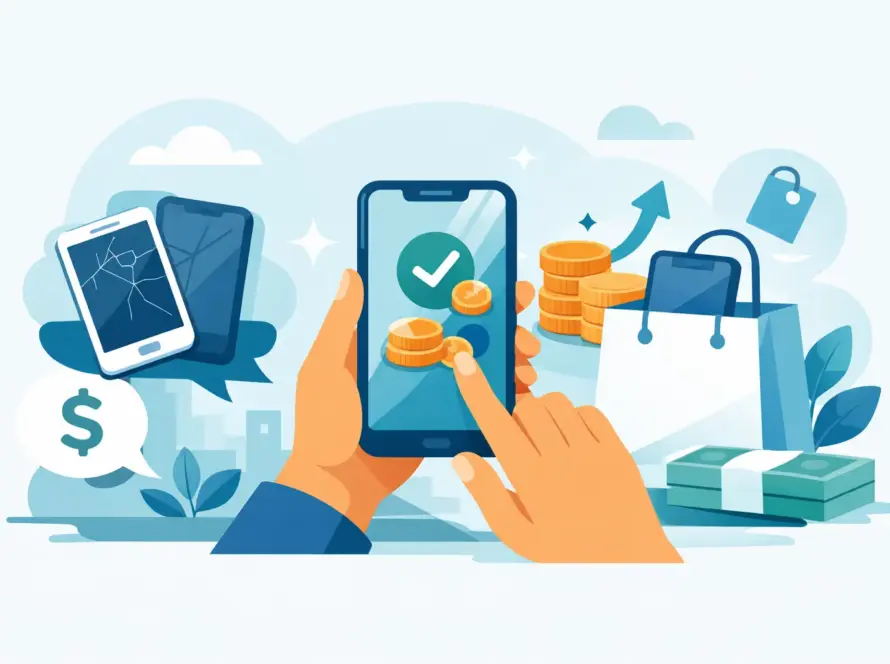
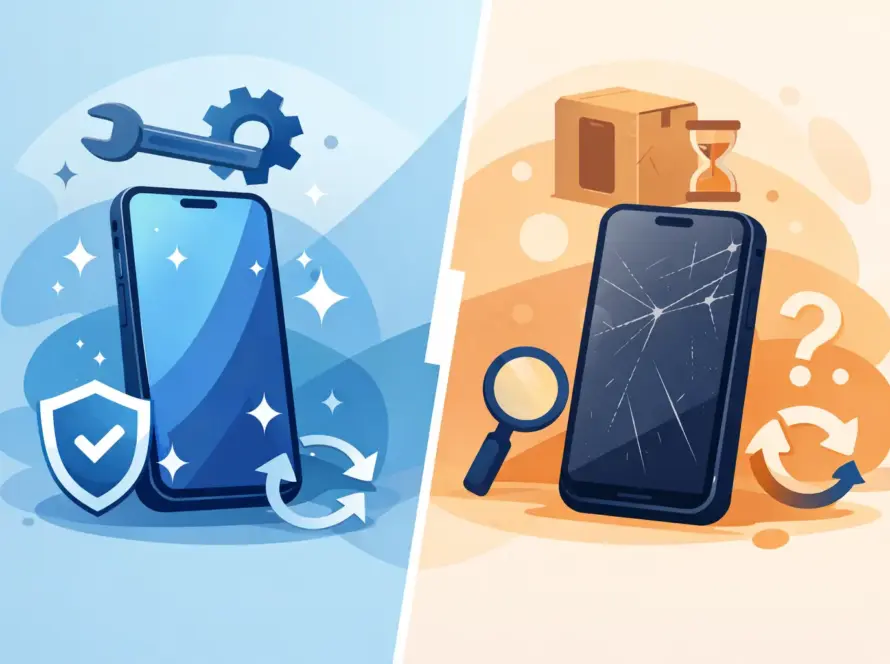
A cracked screen, a battery that fades before lunchtime or a lost handset can make upgrading feel urgent. When you buy second hand phones, you can get the model you need for less, without signing up to a higher monthly cost. The key is knowing what to check before you pay.
A good pre-owned phone should feel like a smart purchase, not a gamble. Whether you need an affordable iPhone for a student, a reliable Android for work or a spare handset for travelling, condition, battery health and seller support matter more than a glossy advert.
Why buy second hand phones?
The biggest benefit is value. Phones lose a noticeable amount of their value once a newer generation arrives, even when their performance is still excellent. A two or three-year-old flagship can still take sharp photos, run everyday apps smoothly and handle calls, maps, banking and streaming with ease.
Buying used also gives you more choice within your budget. Instead of stretching for a brand-new entry-level phone, you may be able to choose an older premium model with a better camera, brighter display and more storage. That can be particularly useful for commuters, freelancers and families who need a phone that simply works every day.
There is an environmental benefit too. Keeping a working device in use reduces unnecessary electronic waste and makes better use of the materials already inside it. Still, the best option depends on the handset. A bargain with a worn-out battery or an activation lock is not a bargain at all.
Used, refurbished or second hand: what is the difference?
These labels are often used interchangeably, but they can mean different things. A second-hand phone is generally a device previously owned by someone else and sold in its current condition. It may have minor signs of use, such as light marks on the frame, but should be fully functional if described honestly.
A refurbished phone has usually been tested, cleaned and, where needed, repaired before sale. The standard of refurbishment varies between sellers, and some use the word very loosely. Some replace only faulty parts, while others fit a new battery, screen or housing. Ask exactly what has been checked or replaced rather than assuming every refurbished device is cosmetically perfect.
The same applies to condition grades. Labels such as excellent, very good or fair should describe visible wear, not disguise technical faults. If the grading wording is vague, ask for clarification before you spend a penny.
For many buyers, a professionally checked pre-owned phone offers the best balance. You get a lower price than buying new, plus clearer information on condition and a route back to the seller if something is not right.
Where you buy matters as much as the phone
Private sales can sometimes offer the lowest price, especially on older models, but they bring more risk. You may not have a warranty, a return option or a reliable way to confirm the phone’s history, and once the deal is done you are usually on your own. If the seller will not let you test the device, will not answer basic questions or is pushing for a rushed cash payment, walk away.
Buying from an established local retailer is usually the more reassuring route, especially if you are not confident with phone settings. A business seller may charge a little more, but that price often reflects testing, grading, returns terms and after-sales support. A reputable seller should be clear about the model, storage capacity, cosmetic grade, battery condition, network status and any warranty provided.
It also helps if the same business handles repairs as well as phone sales. A shop that fixes phones is more likely to understand common faults and spot a poor-quality repair. And if a charging issue appears after a few days, it is far easier to speak to a business than to chase an unknown seller whose listing has disappeared.
What to check before you pay
A phone can look spotless and still have problems hiding beneath the surface. Take a few minutes to inspect it properly. Do not be embarrassed to test the basics – a trustworthy seller will expect it.
Check the display, body and cameras
Look at the screen under good light. Small surface marks may be acceptable if the price reflects them, but deep scratches, bright spots, flickering and discoloured patches can affect daily use. Test the touchscreen across the whole display, including the edges, by opening an app and typing on the keyboard.
Check the frame and rear glass for dents, gaps or signs that the phone has been opened. A replacement screen is not automatically a problem, but poor-quality repairs can lead to weak touch response, reduced brightness, extra battery drain or warning messages. Ask what has been replaced and whether genuine or compatible parts were used, so you know before you buy. Open both front and rear cameras, switch between lenses if available, and take a photo and video. Look for focus problems, shaking or dark marks in the image.
Check battery health and charging
Battery condition is one of the most useful checks when you buy second hand phones. A tired battery may still power on during a viewing, then drain quickly, run hot or shut down without warning once you own it. On many iPhones, battery health appears in Settings. A figure in the mid-80s may still be usable, but a lower percentage can mean shorter run time and a battery replacement sooner rather than later, so factor that into the price. On Android phones, the exact battery information varies, so ask how long a charge lasts, whether the phone gets warm and whether the battery has ever been replaced.
Plug the phone in and make sure it starts charging without needing the cable to be held at an angle. If the connection feels loose, treat that as a fault. If it supports wireless charging, test that too. A new cable is inexpensive; a damaged charging port can be more inconvenient and costly to repair.
Confirm it is unlocked and clear to use
Ask whether the handset is unlocked or tied to one mobile network. An unlocked phone gives you the freedom to use the SIM or eSIM provider that suits you. Open the SIM tray to check it is intact, insert a SIM where possible, make a call and check mobile data.
Most importantly, make sure the previous owner’s account has been removed. An iPhone should not be linked to an Apple ID or show an Activation Lock screen. Android devices should be reset properly and should not request the former owner’s Google account during set-up. If either lock remains, do not buy it – the phone may be unusable. If a seller says it “just needs my password one last time”, that is your cue to leave.
Check the IMEI and blacklist status
The IMEI is the phone’s unique identification number and can normally be found in Settings or by dialling *#06#. It should match the number on any original box or paperwork. Ask for it before you pay: a seller who will not share it is giving you a clear warning sign.
Use the IMEI to confirm the handset has not been blocked or reported lost or stolen. A blacklisted phone can switch on and look perfectly normal, then be refused by UK networks, leaving you with a device that cannot do the main job you bought it for.
Test the features you will actually use
Try the speaker, microphone, volume buttons, vibration, Wi-Fi, Bluetooth, face or fingerprint unlock and mobile signal. If you use contactless payments, check that NFC is working. These tests take only a few minutes and reveal much more than switching the handset on.
How much should a pre-owned phone cost?
Price should reflect age, storage, condition, battery health and included extras. Two identical models can be priced differently because one has 64GB of storage and visible wear, while another has 256GB, a stronger battery and a warranty. Compare like for like before deciding that one listing is cheaper.
Be realistic about what you need. Paying more for extra storage makes sense if you keep thousands of photos, download large apps or use your phone for work. If you mainly call, message and browse, a lower-storage version with a healthier battery may be the better buy.
Very low prices deserve extra questions. Missing accessories are usually manageable, as a reliable charger or cable can be replaced easily. Missing paperwork, unclear ownership, account locks or a seller who refuses testing are different matters. Those are reasons to leave the phone behind.
Pay safely and get proof of purchase
One of the most effective protections when buying a used phone has nothing to do with the handset itself: it is how you pay. Cash is quick but gives you very little comeback. Bank transfers are common in private sales, but getting money back can be difficult if the phone is not as described. Card payments and trusted checkout systems can offer more support if there is a dispute. None of these makes a deal safe on its own, but the right method gives you a better path if the phone turns out to be faulty.
Ask for a receipt or written proof of sale, even for a local purchase. It should include:
- The make, model, storage size and colour
- The IMEI number
- The price paid and the date
- The seller’s name and contact details
- Any warranty or returns terms
This is not being fussy. If something goes wrong, it is the evidence you will need.
Red flags that should stop the sale
If a price is far below market value, there is usually a reason. Sometimes it is urgency; more often, it is a problem the seller hopes you will miss. Slow the deal down, or walk away, if you notice any of these:
- Blurry photos, a thin description or a refusal to allow simple tests
- Pressure to complete a rushed sale somewhere like a car park
- Evasive answers about account locks or the IMEI
- A storage size that differs from the listing
- An IMEI on the box that does not match the handset
- A phone described as pristine that turns out to have replacement parts
A few extra minutes of checking can save you from an expensive mistake.
Protect your data when selling or upgrading
If you are replacing your old handset, back it up before handing it over. Move photos, contacts, messages, authentication apps and banking access to your new device first. Then sign out of your accounts, remove the SIM card and factory reset the phone only after checking that your backup is complete.
Do not forget accessories. A suitable charging cable, plug, screen protector and case can help your replacement phone stay protected from day one. If your old device has a cracked display, weak battery or faulty port, a repair may also improve its resale value – though it depends on the model and the repair cost.
Frequently asked questions
Is it safe to buy second hand phones from private sellers?
It can be, if you can test the phone properly, confirm the IMEI and account status, and pay in a way that gives you some protection. The trade-off is that private sellers rarely offer warranty or returns, so you carry more of the risk if a fault appears later.
How can I tell if a used phone is blacklisted?
Ask the seller for the IMEI before you pay, check it matches the number shown in Settings or by dialling *#06#, and use it to confirm the phone has not been reported lost or stolen. If a seller will not share the IMEI, do not go ahead.
What battery health is acceptable on a used iPhone?
A battery health figure in the mid-80s may still be usable for everyday needs. A noticeably lower figure usually means shorter run time and a replacement sooner, so factor that cost into the price you are willing to pay.
What should I do if a used phone asks for the previous owner’s account?
Do not buy it. A phone showing Activation Lock or asking for someone else’s Google account may be unusable. A genuine seller can remove the account before the sale; if they cannot or will not, walk away.
For a quick, practical route, InstaTech can help with pre-owned phone buying and selling, repairs and the everyday accessories that keep your new device ready for work, travel and everything else.
A second-hand phone should make life easier, not create another job for you. Choose a device you can inspect, test and trust, pay in a way that protects you, then enjoy the savings with confidence.