A tablet that only charges at a certain angle can turn a normal day into a nuisance. One minute you are replying to messages, finishing coursework or keeping children entertained on a journey; the next, the battery is stuck at 3%. Tablet charging repair can solve the issue, but the right fix depends on whether the fault sits with the cable, plug, charging port, battery or the tablet itself.
Before buying another charger or assuming the battery has failed, take a few simple checks. They can save time, avoid unnecessary costs and make it easier to explain the problem when you book a repair.
What causes tablet charging problems?
Not every tablet that will not charge needs a new charging port. Accessories take a lot of daily wear, and a tired cable is often the simplest explanation. If your tablet charges with another known-good cable and plug, the tablet may be fine.
A charging problem can also show up in different ways. The battery icon may appear but the percentage does not rise. Charging may be very slow, stop and start, or work only when the connector is held in place. These symptoms matter because they point to different possible repairs.
Worn cables and unsuitable plugs
Cables bend near the connector, get pulled out by the lead and spend time crushed in bags or car compartments. Internal damage is not always visible. A cable may still provide enough power to trigger the charging symbol, yet not enough for the battery level to increase while the screen is on.
The plug matters too. A low-output plug may charge a larger tablet painfully slowly, especially if you are streaming video, using navigation or running games at the same time. Use a quality charger with the correct power rating for your model. Cheap, unbranded plugs can be unreliable and may not manage power safely.
Debris or damage in the charging port
Pocket fluff, dust and compacted dirt can stop the cable from seating fully in the port. It may look connected, but the contact is weak. This is common when a connector feels loose or slips out more easily than it used to.
Do not force the cable or poke inside with metal objects. That can bend delicate pins and turn a clean-out job into a port replacement. With the tablet switched off, a careful visual check under good light is sensible. If dirt is clearly packed inside or the connector no longer fits securely, professional cleaning or inspection is the safer option.
Battery wear and internal faults
Tablet batteries lose capacity over time. If the device runs down quickly, shuts off unexpectedly or gets unusually warm while charging, the battery could be nearing the end of its useful life. A swollen battery needs prompt attention. Stop using the tablet, do not continue charging it and arrange an assessment.
Less commonly, the issue may involve the charging circuit, software or internal connections. This is why a proper diagnosis matters. Replacing a port will not solve a fault caused by the battery or charging board, and replacing a battery will not fix a damaged cable.
Quick checks before tablet charging repair
Start with a different cable and plug that you know work correctly. Plug directly into a wall socket rather than a laptop USB port, extension lead or low-power travel adaptor. Leave the tablet connected for 20 to 30 minutes, particularly if the battery is completely flat. A deeply discharged device can take time before the screen responds.
Next, restart the tablet if it will turn on. A temporary software fault can interfere with charging recognition. Check whether the charging icon appears, whether the percentage rises, and whether the cable needs to be moved to keep the connection. These details help identify the likely cause.
Look at the connector and port without trying to dismantle anything. Signs that a repair is more likely include a visibly bent connector, a port that feels loose, crackling or repeated connection alerts, and charging that cuts out whenever the tablet is moved.
If the tablet was dropped, exposed to liquid or started overheating, skip further testing and arrange a professional inspection. Continuing to charge a damaged device can make matters worse.
When a charging port repair is the right answer
A charging port repair is often needed when the cable no longer clicks or sits firmly in place, the tablet charges only at one angle, or several tested cables behave in exactly the same way. A technician can inspect the port for debris, bent contacts and physical damage before recommending replacement.
The trade-off is straightforward: a port replacement is usually more involved than replacing an accessory, but it can be much better value than replacing an otherwise reliable tablet. The final cost depends on the make, model and whether the port is a separate component or attached to a larger internal assembly.
Choose a repair service that checks the device rather than guessing from one symptom. You should be told what is faulty, what the repair involves and whether there are any separate battery or liquid-damage concerns. For local customers, InstaTech can assess tablet charging faults alongside the cables, plugs and charging accessories that may be needed afterwards.
Battery replacement or port repair: which do you need?
The difference is often in the pattern of the problem. A port fault is more likely when the connection is unstable or physical pressure changes whether charging works. A battery fault is more likely when charging seems normal but the percentage drops quickly, the tablet switches off early, or it will not hold power away from the socket.
There can be overlap. An older tablet may have both a worn battery and a damaged port, particularly if it has been used heavily for work, school or family entertainment. In that case, ask for a clear explanation of the options. Repairing one part may restore basic charging, while repairing both may give the device a more useful working life.
Consider the tablet’s overall condition as well. If the screen, storage and performance still meet your needs, repair is often the practical choice. If it has several major faults or no longer supports the apps you rely on, putting the repair cost towards a replacement may make more sense.
How to protect your tablet after repair
A repaired tablet will last longer when it is paired with the right accessories and a few sensible habits. Use a cable that fits without force, avoid pulling it out by the lead and keep the charging area dry. If you use the tablet at a desk or beside the bed, give the cable enough slack so it is not bent tightly at the connector.
Avoid charging under cushions, blankets or direct sunlight. Heat is hard on batteries, and a tablet needs airflow while charging. It is also worth removing a very thick case if the device becomes noticeably warm.
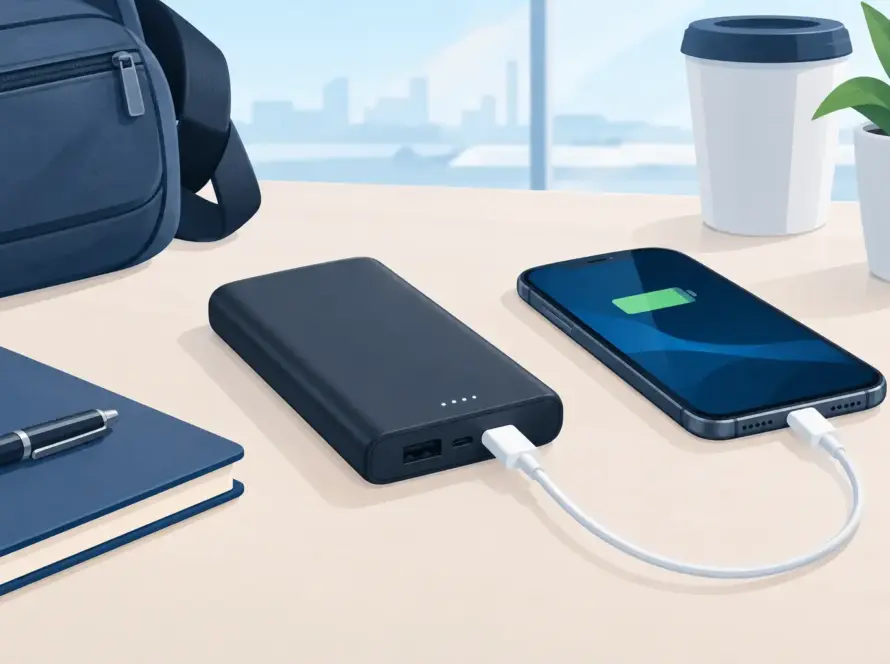
For travel, keep a spare quality cable in your bag rather than relying on a visibly worn one. A power bank can be useful on long commutes and holidays, but choose one that provides suitable output for tablets, not just phones. The lowest-priced option is not always the best value if it charges too slowly or needs replacing after a few weeks.
Get a clear answer before the battery runs out
Charging faults rarely improve by themselves. A cable may be an easy replacement, but a loose port, failing battery or heat issue deserves attention before the tablet becomes unusable. Bring the device in with the charger you normally use if possible, describe exactly when the problem happens, and get the fault checked properly.
A working tablet should be ready when you need it – for the train, the classroom, the sofa or the next video call. The right repair and a dependable charger can keep it that way.