A cracked screen before a train commute, a laptop that will not charge before a deadline, or a battery that dies by lunchtime can make any repair feel urgent. So, are third party repairs safe? Usually, yes – provided you choose a capable, transparent repairer and understand the parts and warranty being offered.
The phrase “third party” simply means a repair carried out by an independent business rather than the device manufacturer. It does not automatically mean lower quality, unsafe work or a lost warranty. The real difference comes down to the technician’s experience, the standard of replacement parts, the testing process and how clearly the repairer explains your options.
For many everyday faults, an independent repair can be a fast, fair-priced way to get back to work, messages, banking, travel tickets and everything else stored on your device. The key is to book with your eyes open, not just choose the lowest price on the page.
Are third party repairs safe for your device?
Independent repairs can be safe for phones, tablets, laptops, desktops and smartwatches. Reputable repairers use suitable tools, follow proper fitting procedures and test the device before it is returned. A good repair should restore the fault without creating a new problem, whether that is a loose charging port, a damaged display or an ageing battery.
However, not all repairs are equal. Modern devices are compact, heavily glued together and often built with software checks that recognise certain components. A repairer needs to know how to open the device without damaging cables, seals or nearby parts, then reassemble and test it properly.
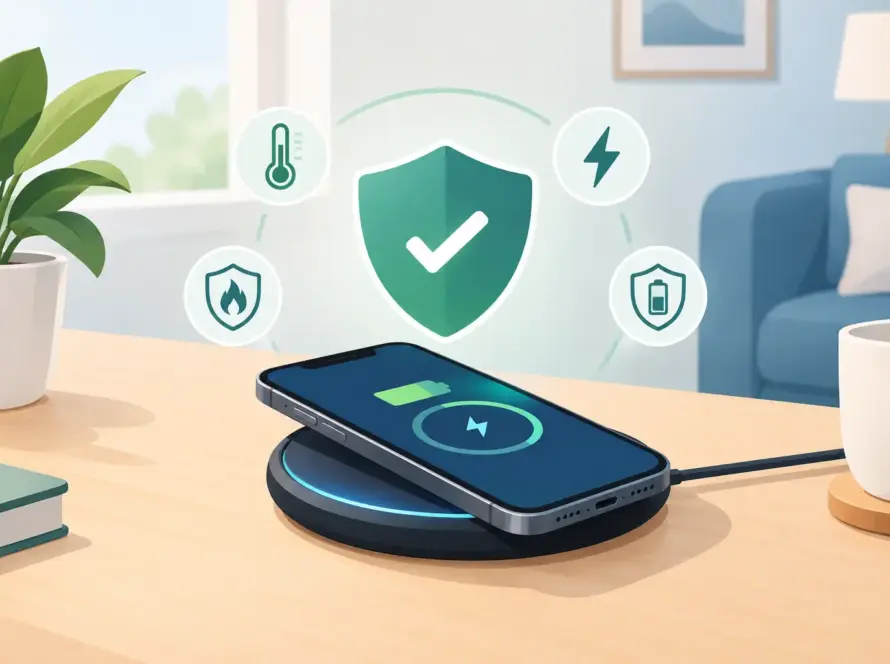
Safety matters most with batteries, charging systems and water resistance. A poorly fitted battery can swell, overheat or lose charge quickly. A low-quality charger or charging-port repair may cause unreliable power delivery. After a screen or back-glass repair, a handset may no longer have the same water-resistance rating it had when it left the factory, even when the repair is completed carefully. That is not a reason to avoid repair, but it is a reason to ask direct questions.
The part fitted matters as much as the repair
The cheapest quote is not always the best value. It may use a basic compatible part with different brightness, colour accuracy, battery life or durability from the original. In other cases, a quality compatible part is a sensible choice that keeps the repair affordable and performs well for normal use.
Ask which grade of part will be fitted. A clear repairer should be able to explain whether it is an original manufacturer part, a genuine reclaimed part, a premium compatible part or a more budget-focused compatible option. Each has a place, depending on the device, the fault and your budget.
For example, a newer premium phone with face recognition, fingerprint features or a high-refresh display may be worth repairing with the highest available part grade. A reliable older phone that you need for calls, maps and messaging may be better suited to a good compatible screen that costs less.
Some devices may display a notification after an independent part replacement, particularly for screens, batteries and cameras. This can happen because the manufacturer pairs components to the device through software. It does not always mean the repair is unsafe or the part is faulty, but it should be explained before work starts. Ask whether any functions, notifications or settings could be affected.
Check the repairer, not just the price
A trustworthy local repair service should make the process easy to understand. You do not need a technical lesson, but you should never feel rushed into approving work you do not understand.
Before booking, check these practical points:
- Ask for a clear quote covering parts, labour and any diagnostic charge.
- Confirm the expected turnaround time and whether the repair is completed on site.
- Find out what warranty is included on both the part and the workmanship.
- Ask whether device functions will be tested, including charging, cameras, speakers, microphones, Wi-Fi and biometric features where relevant.
- Check what happens if an additional fault is found after the device is opened.
A repair warranty is particularly useful because it shows the business stands behind its work. Read what it covers. It will normally protect against a defective replacement part or fitting issue, rather than future accidental damage, liquid damage or a separate fault that was already present.
Price still matters. Independent repairers can often offer competitive prices because they provide focused local service and may offer several part options. Value means a sensible price, clear terms and a repair that lasts – not simply the lowest number on a search result.
Warranties: what changes after an independent repair?
This is where the answer depends on your device and its status. If your phone, tablet or laptop is still covered by a manufacturer warranty, accidental-damage plan or insurance policy, check the terms before arranging a third-party repair. The manufacturer may refuse to cover a later problem if it believes that problem was caused by non-authorised work or a non-approved component.
That does not necessarily mean every remaining right disappears the moment an independent repair is completed. A manufacturer cannot fairly blame an unrelated fault on a screen repair without a reason. But proving the distinction can be inconvenient, so it is worth considering before you proceed.
If the device is out of warranty, the calculation is often simpler. A quality independent repair can extend the usable life of a device for far less than a replacement. That can make good financial sense for students, families and anyone trying to avoid an unexpected upgrade.
Protect your data before handing over a device
A professional repairer should treat customer data with care, but backing up your device is still your responsibility. Repairs can involve disconnecting power, replacing storage-adjacent components or resetting software to test an issue. Unexpected failures are rare, but no repair is entirely risk-free.
Back up photos, files, messages and app data before you visit if the device still switches on. Remove payment cards from your digital wallet where possible, log out of sensitive accounts if required and never share passwords unless there is a specific, explained reason. If a passcode is needed for final testing, agree how it will be handled and change it afterwards.
For a phone or tablet, also make sure you know your account password and can disable any activation lock if the repair requires it. A legitimate repairer may need this step to complete certain diagnostics, but they should not ask for more access than the job needs.
When an authorised repair may be the better choice
Third-party repair is not always the right route. An authorised service may be preferable if your device is very new, still has valuable manufacturer cover, has serious liquid damage, or needs a specialist part that is difficult to source independently.
It can also be worth using the manufacturer where advanced calibration is essential to a particular feature. Certain camera systems, biometric sensors and foldable displays can require model-specific tools and software. An honest independent repairer will tell you when a job is not the best fit for their service rather than make promises they cannot keep.
On the other hand, common faults such as cracked screens, worn batteries, damaged charging ports and faulty laptop charging sockets are often well suited to independent repair. The right choice is the one that balances cost, turnaround, part quality and the future value of your device.
Questions to ask before you approve a repair
You do not need to become a device expert. A short conversation can reveal whether a repairer is straightforward and prepared. Ask what part will be used, what warranty applies, whether any features may be affected and how the device will be tested afterwards.
If the answer is vague, if the quote changes without explanation, or if nobody will put the warranty terms in writing, look elsewhere. A reliable service should be comfortable discussing price, parts and risks before it starts.
At InstaTech, the aim is simple: practical repairs, clear choices and the accessories you may need to keep your devices working day to day. Whether you need a replacement cable after a charging repair or a power bank for a busy week, it helps to deal with a local team that can solve more than one problem at once.
A repaired device should leave you feeling relieved, not uncertain. Choose a repairer that explains the options plainly, uses parts appropriate for your device and gives you a clear warranty. That is how an independent repair becomes a sensible, safe way to keep the tech you rely on in use.
Next step: want a straight answer about your own phone? Bring it to our Bloomsbury shop or Moorgate shop for a free diagnostic, or see our phone repair services.